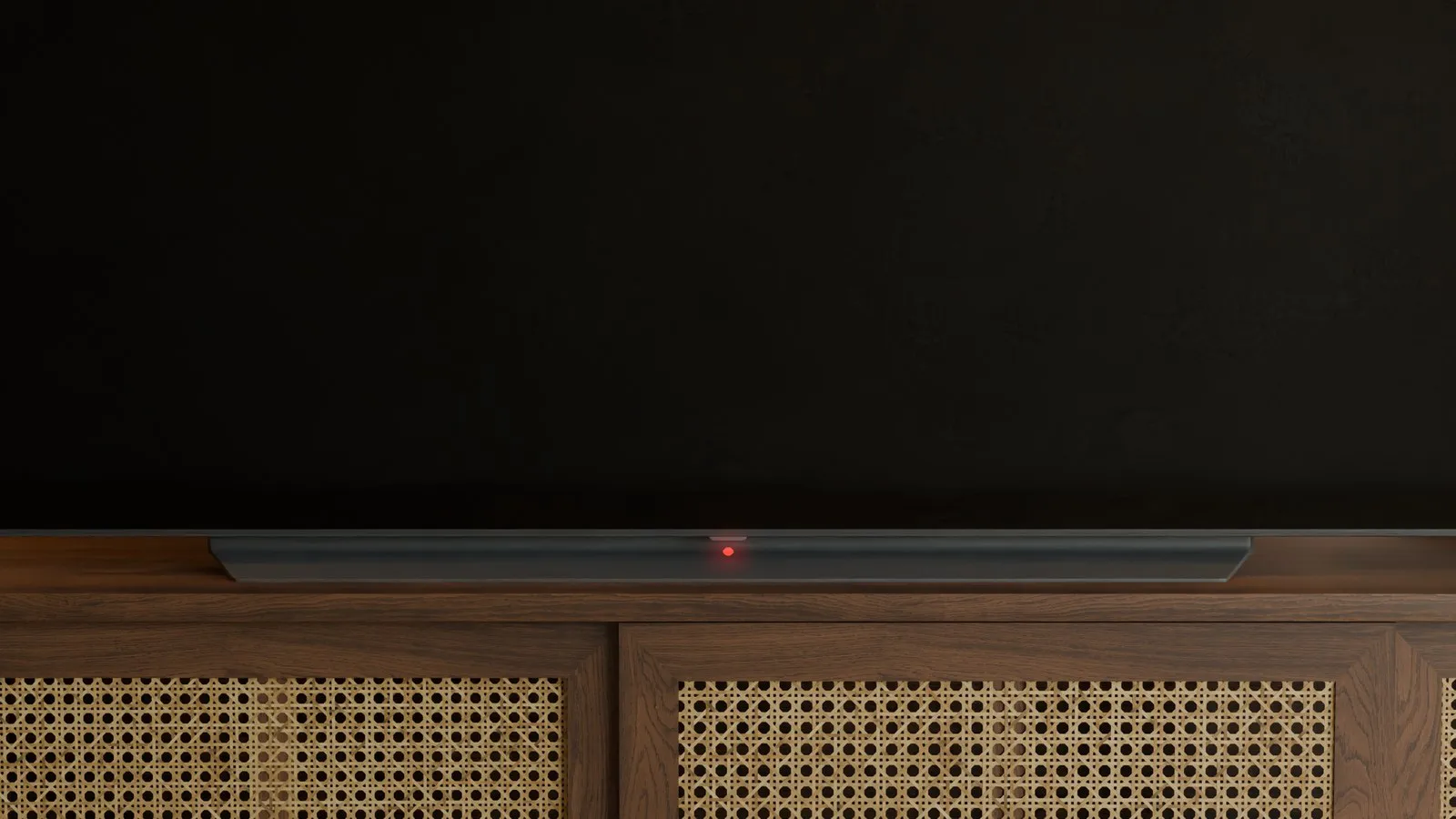
In short
If your LG OLED stays black — dark screen, no picture — it is usually a start or power issue, not a cosmetic panel quirk.
People also search no picture and power supply board or panel. Both happen. Often the cause is the power supply or start chain — not automatically the OLED panel.
What “stays black” means
You power on, but no image appears. Standby LED may be on, off, or blinking; you may hear a relay click or silence.
Related: won't turn on, red LED blinking, standby LED off, clicks twice.
- Black screen after power-on attempt
- No menu, logo, or backlight glow
- Optional: standby LED behaviour
- Optional: click then dead again
Power supply board or panel — rough triage
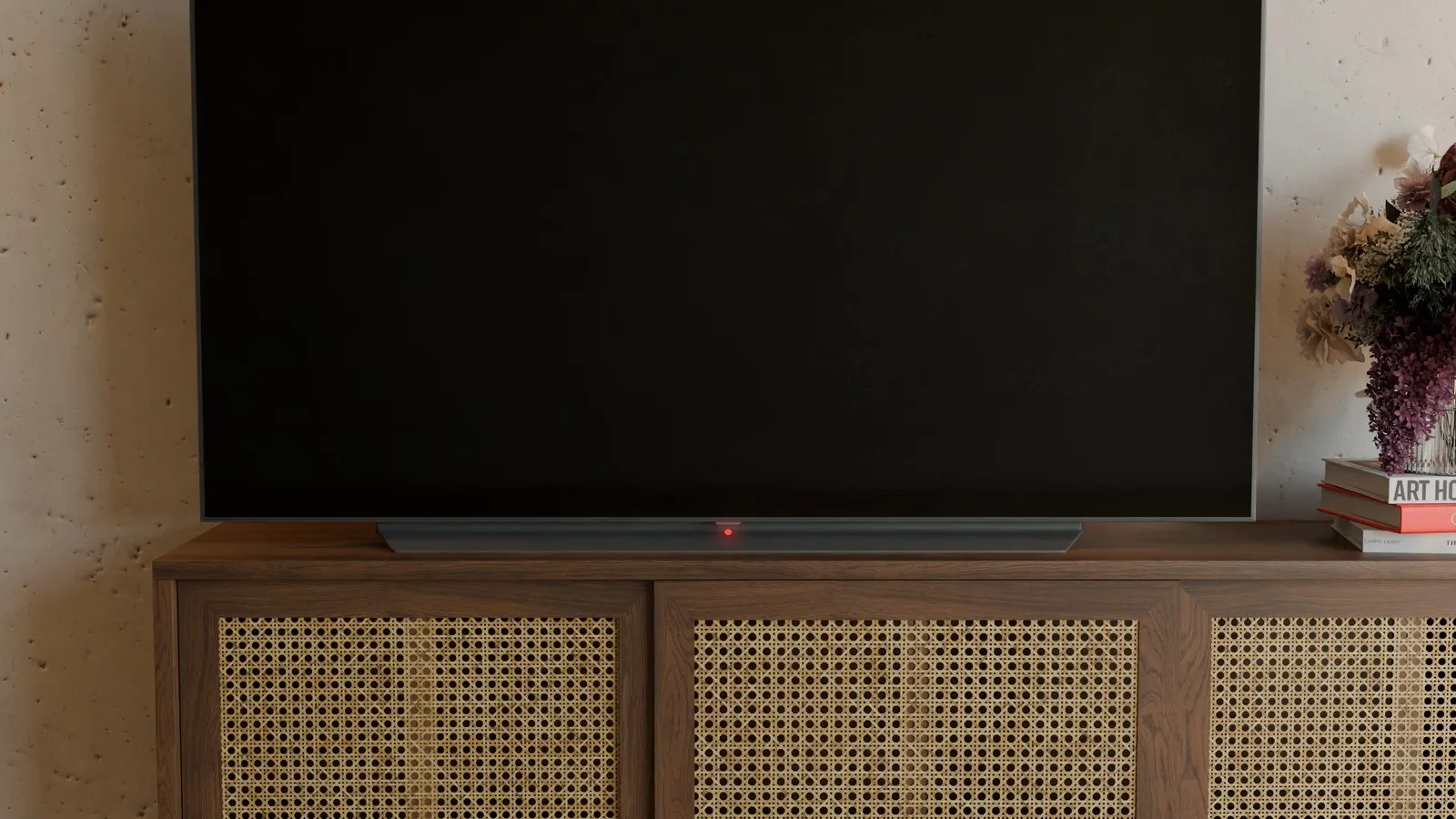
Look at the standby LED first: it shows whether the power supply board delivers the standby voltage and the mainboard is powered. Normally it lights red when the TV is off and goes out when you switch it on.
Power supply board / power: set feels dead or starts then drops; blink codes; click without picture. Aging power supply board parts are common on LG OLED.
Panel: more often artefacts *while powered* — lines, partial image, dead pixels.
Mainboard: can block start/video path; see mainboard or power supply board.
Safety
Mains voltage is lethal. Open chassis and power supply board carry dangerous voltages. Discharge electrolytics before measuring. Never work live.
Unsure? Unplug, do not open. AmparioWeb offers tested parts and fixed-price repair.
The large electrolytic capacitors can still hold up to about 400 V after switching off. After unplugging, wait at least 2 hours, measure with a range of at least 600 V and only continue once the voltage is below 30 V if possible.
Checks without voltage
Triage only:
- Other cable / outlet
- Document LED and click (video)
- Note model and board number (often EAY…) — find number
- Unplug HDMI sources
When AmparioWeb helps
Black screen with suspected power/start issues: map power supply board / mainboard before panel replacement talk.
Next: repair, parts, find number.
Frequently asked questions
- Is a black screen always a dead panel?
- No. Many no-picture cases are power supply board or start-chain related.
- Same as “won't turn on”?
- Often yes — different search phrase. See won't turn on.
- Does unplugging help?
- Sometimes briefly. If it returns, hardware (often power supply board) is likely.
- Which part first?
- No blind buy. Map via find number, then parts or repair.
Support our work.
We write these articles for free, for everyone. A small donation helps keep the format going.
Power boards for LG OLED — tested under load, 12-month warranty.
Go to shopRelated articles
LG OLED TV won't turn on
LG OLED won't power on? Aging 820 nF film capacitors in the power supply board often cause it. Spot capacity loss — AmparioWeb repairs or supplies a tested replacement power supply board.
LG OLED clicks twice and turns off
LG OLED clicks twice then shuts off, or clicks with no picture? Relay engages, protection aborts start — often power supply board, short or panel load. AmparioWeb helps with diagnosis and repair.
LG OLED won't turn on – red LED blinking
LG OLED won't turn on and the red LED blinks? Count the pattern, triage power supply board vs mainboard vs panel — AmparioWeb helps with diagnosis, repair and parts.